
Save cars you like, ask questions, receive a quote, then order and pay.
1. Save a car
Tap the heart (♡) on a card or detail screen to save a car. Saved cars appear in My page → Saved. Saving requires an account.
2. Saved-car alerts
Register your criteria — make, model, price, year, mileage, export country, fuel, steering and transaction type — and get an SMS when a matching car is listed.
- 1Open “Saved” in the top menu → “Add criteria”.
- 2Pick your criteria and save with “Get alerts”.
3. Ask about a car
Tap “Purchase inquiry” on the detail screen to start a 1:1 chat with an agent. Messages are auto-translated, so you can write in your own language.
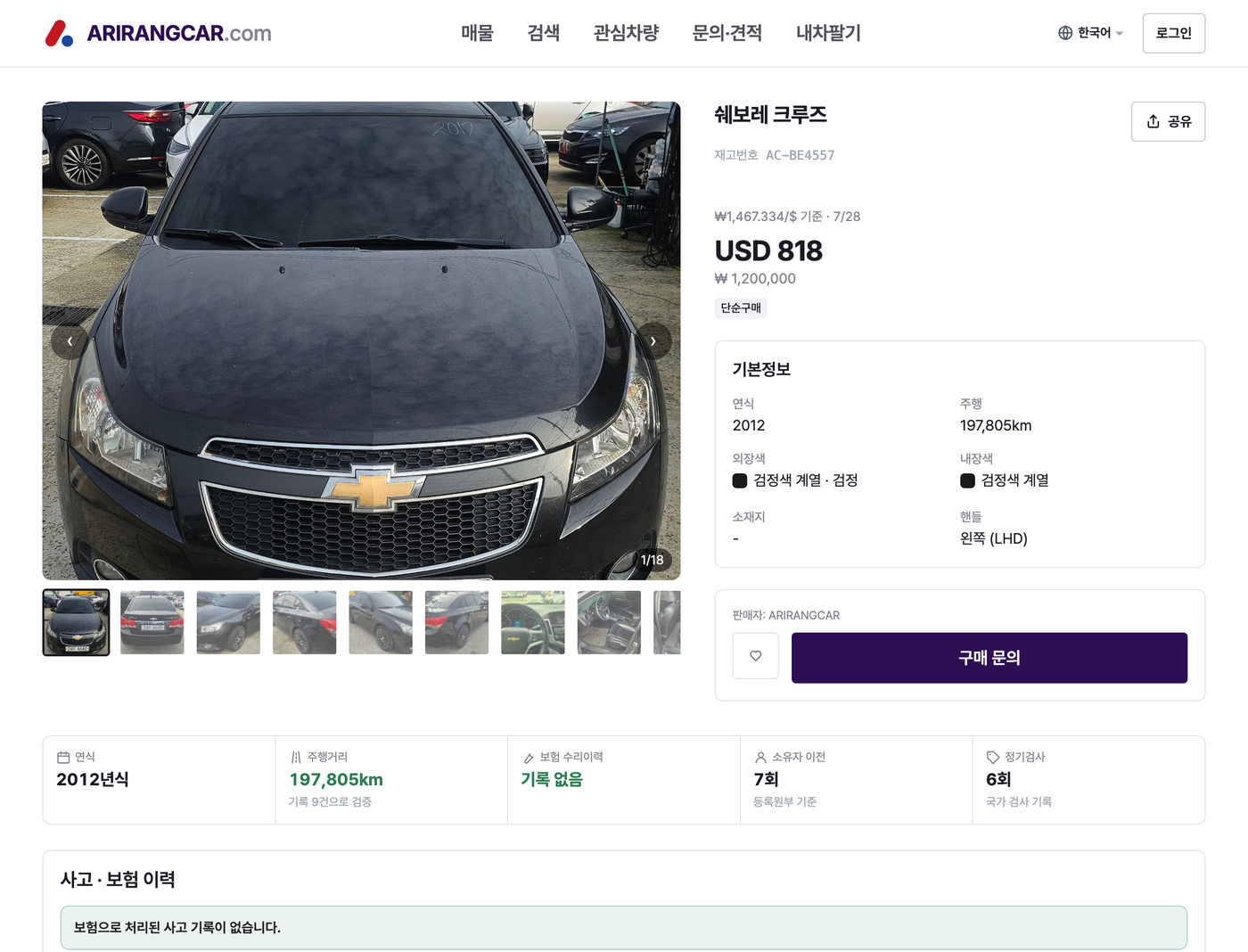
4. Get a quote
As your inquiry progresses, an agent issues a quote showing the vehicle price and what is or isn’t included. Open the quote card inside the chat to review it.
5. Order & payment
Once you approve the quote, you’ll get payment instructions. Transfer to the KRW or foreign-currency account and upload your remittance receipt so an agent can confirm it.
- 1Transfer to the given account. USD amounts are estimates at that day’s rate.
- 2Upload your remittance receipt.
- 3After confirmation, track progress in My page → Orders.
Stay safe
Only pay into the official account shown in the app. If an account or amount differs from what’s shown, call +82-1533-1718 to verify first.6. Transaction types
Each car shows its transaction type. “Vehicle only” covers just the car; “Export agency” handles export logistics like freight and insurance; “Domestic” is a hand-over within Korea.